Posted on

Name That Tune Printable PDF Awards Free

printable-PDF-awards-name-that-tune-free-downloads-instead-of-prizes

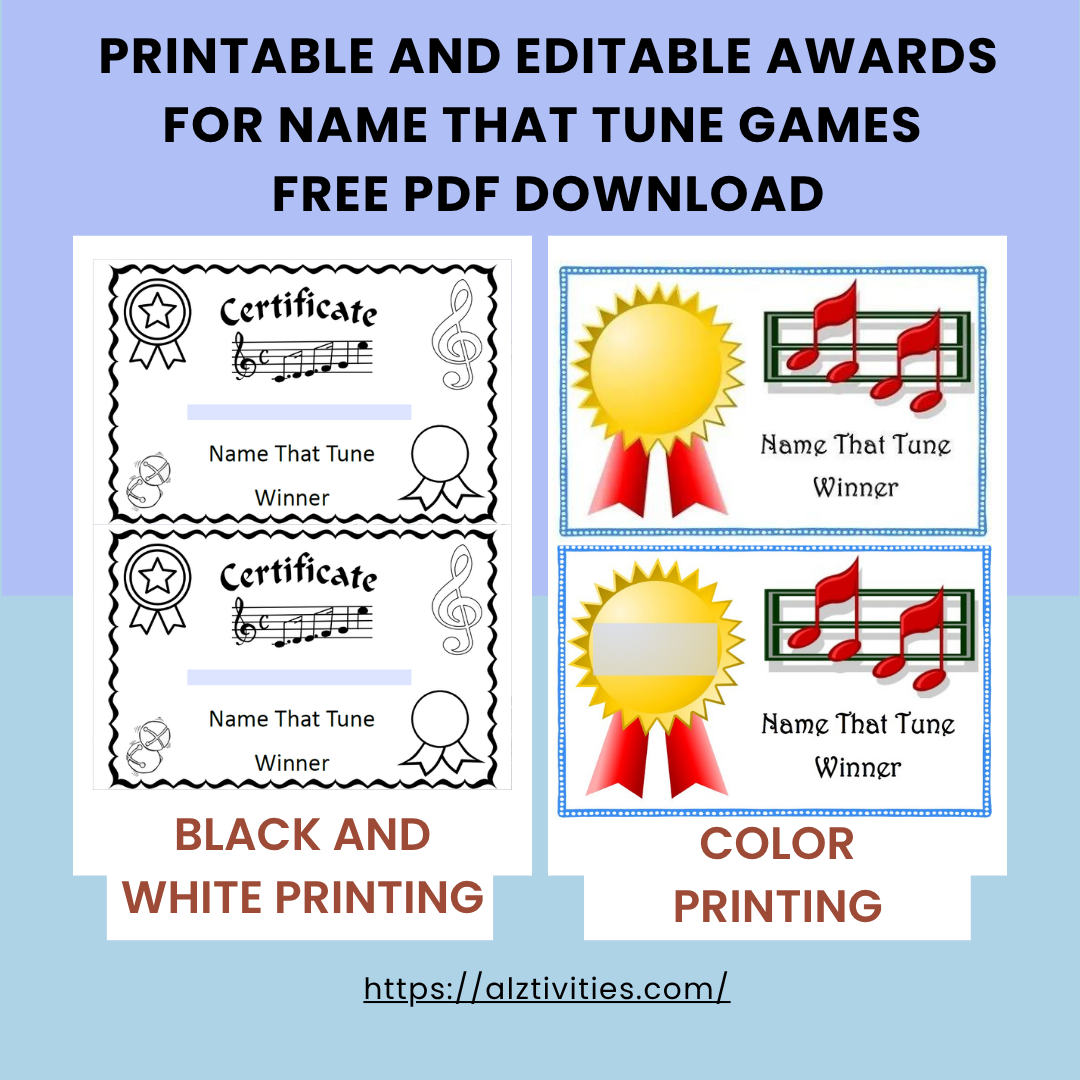
Sometimes in memory care, a music leader will have a short game of “Name that Tune.” People love to be the first to recognize a song or melody. In addition to small prizes, printable paper awards might be used. These printable PDF awards are available in both color and black-and-white. First, decide whether black-and-white printing is best or if color is preferred.

Second, they either may be edited to add the name of the person receiving the award, written on, or printed and handed out. Besides, these are less expensive than less rewarding prizes. Patients could tape these on their doors with painters’ tape to “show off” their knowledge.

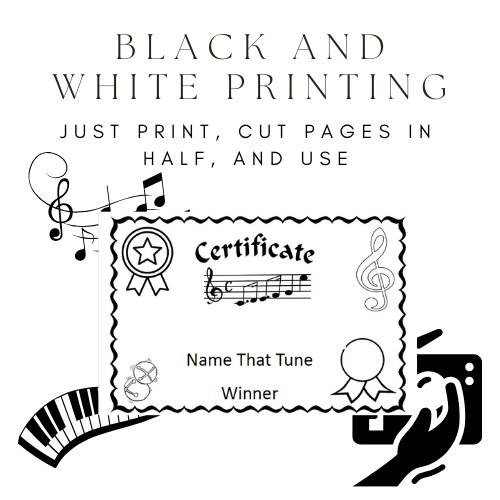
Black and White Printing
Name-that-Tune-printable-awards-black-and-white-printing-free and color PDFs - edit or just print and write on them


The PDF is printable for quick use and no personalization, only requires printing. Print, cut in half, and be ready to pass to people who recognize songs the fastest. Print pages 1 and 2 (which are the same), and watch for the last page so the credits are not printed. No prior writing is required on these certificates, and the winners’ names can be written on them on the spot.

Click on the button under this informational image to instantly download a copy of the PDF:

Next is the editable version of the black-and-white printing option. Add names to the 4 certificates, print, cut in half, and be ready to hand them to the people who recognized the songs the fastest. Likewise, pages 1 and 2 have four certificates, so four names may be added before printing. Watch for the last page so the credits are not printed.
name-that-tune-free-awards-color-printingPDF

Color Printing

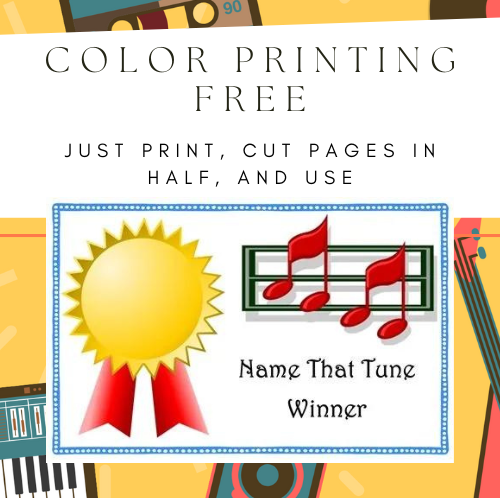
Furthermore, the color-printing version is without editing rectangles for quick awards before a music session. Just print as many copies of the first 2 pages as needed, cut the paper in half, and be ready to pass awards to those who quickly recognize songs. Do not print the credits on page three. Download using the button under this informational image.

Print the next link for a free instant download:

color-printing-name-that-tune-free-printable-no-editing-award

Finally, this is color printing with the option of editing by typing in names. There are two pages, so four names may be entered. Then print, cut the pages in half, and present the awards. Just print the pages wanted, excluding page 3 with the artist credits. Click on the download button under the informational image.

Thank you for reading! I hope some activity leaders like these PDFs.

Carolyn
Posted on

Happy Birthday Word Search Editable for Name and Age

happy-birthday-editable-word-search-download-add-an-age-and-name

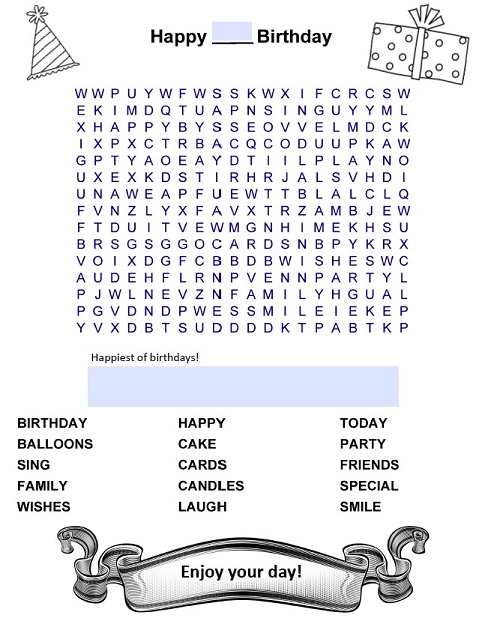
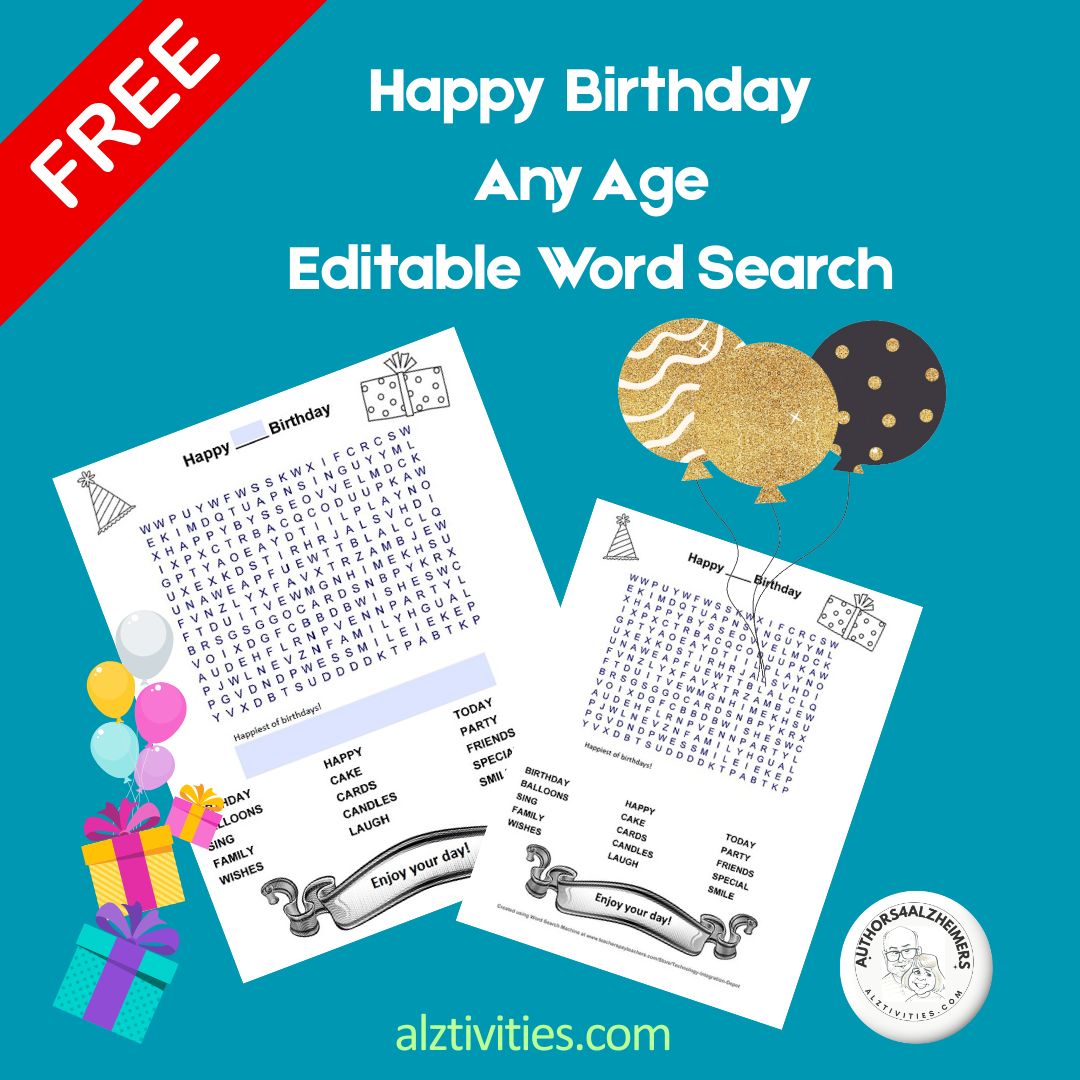
Happy Birthday word search, editable for name and age, simple PDF. Either print first and write on the page, or type in the birthday person’s age and name before printing. Download your free instant copy by clicking on the next link.

If you would rather just write the age and name, print the PDF and write on it. No blue boxes will show on the printout. Click on the download button under this informational image for your free instant download copy, no login required. Print on colored paper for added interest.

happy-birthday-editable-word-search-add-name-and-age
Posted on

Large calendar April 2026

editable-April-2026-calendar-large-PDF-free-PDF (1080 x 1080 px)

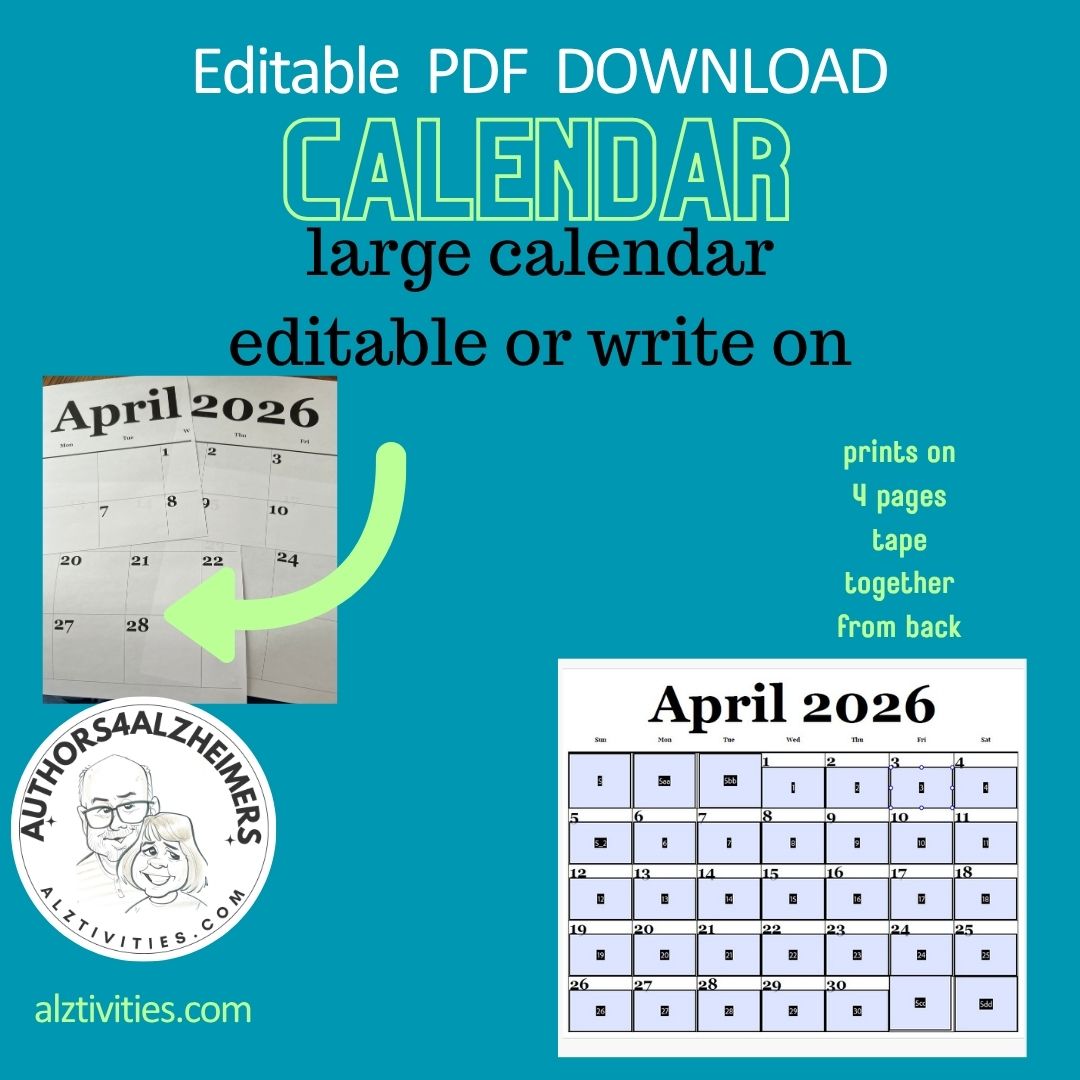
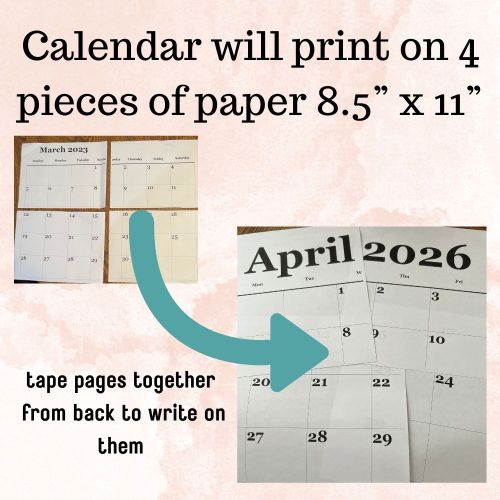
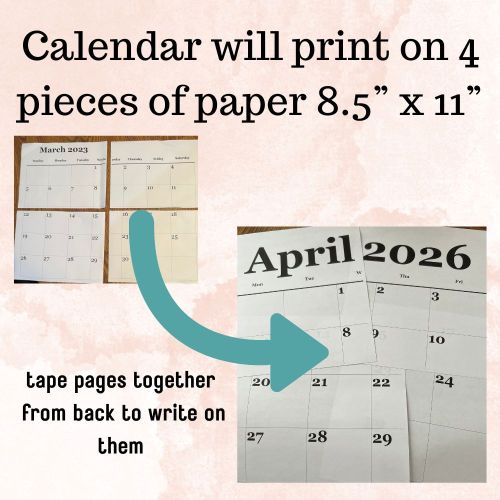
Our large print calendars are useful for remembering a multitude of appointments and events. Each prints across four pages of paper and requires minimal cutting and taping to assemble. This will print on 4 pages of 8.5″ X 11″ paper for both the plain April 2026 calendar and the editable version PDF. Select the version wanted. First, the plain calendar for those who may be confused by too many images on the page. See also our editable 2026 calendars at this link.

We use painter’s tape to hang our calendars and signs.
Overlap the top and bottom pages in the middle about 1/16” and straighten the paper. No cutting is needed. Tape together from the back. Then there are two parts to connect.

To edit your calendar and personalize it, type in the blue spaces. If nothing is typed, nothing will print in that space. If typing in the editable squares is not preferred, just print, assemble, and then write on it yourself. I did this at home for my LO as appointments changed and so on. Click on the word “download” under the image below for your instant download copy. No login required.

PLAIN CALENDAR

Make a copy of the PDF so there is a spare if needed. Or, maybe there is another use for it.

Colorful Calendar

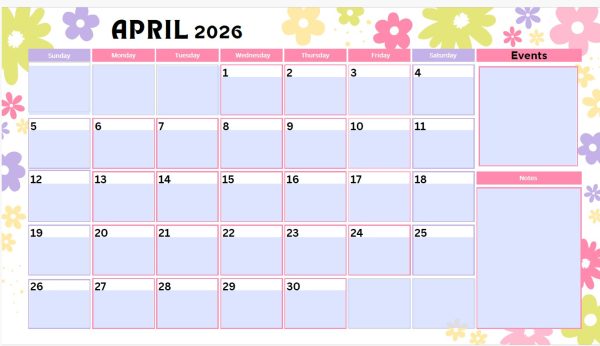
Next, an April calendar with flowers, for more general use. This prints on a single regular piece of copy paper, 8.5″ X 11″.

Here is the free instant PDF download. Click on the button under the informational image.

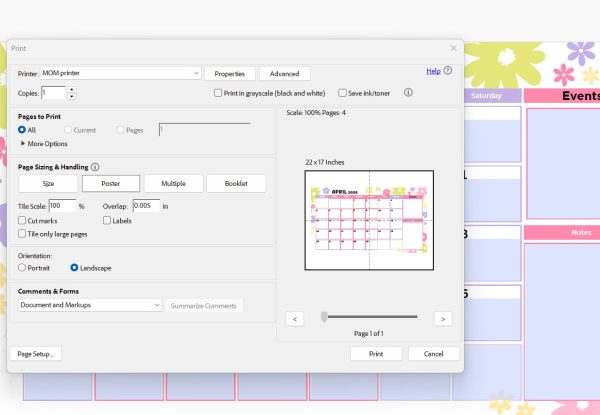
Or, the same file may be printed larger by selecting poster size in printing to print the calendar on 4 pieces of paper. Tape together in the back before displaying.

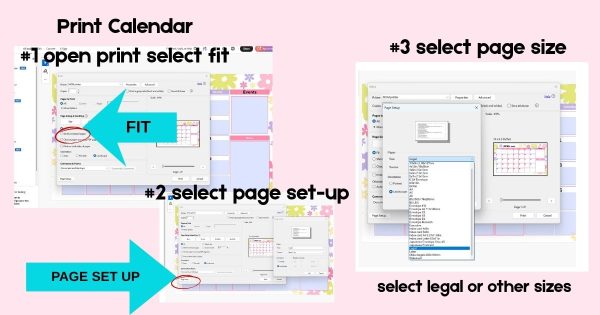
HOW TO PRINT

The calendar with flowers was created in Canva, and I added editing squares so people can add their own events.

Or print on legal size or other sizes of paper by using these steps:

Thank you for reading, Carolyn